
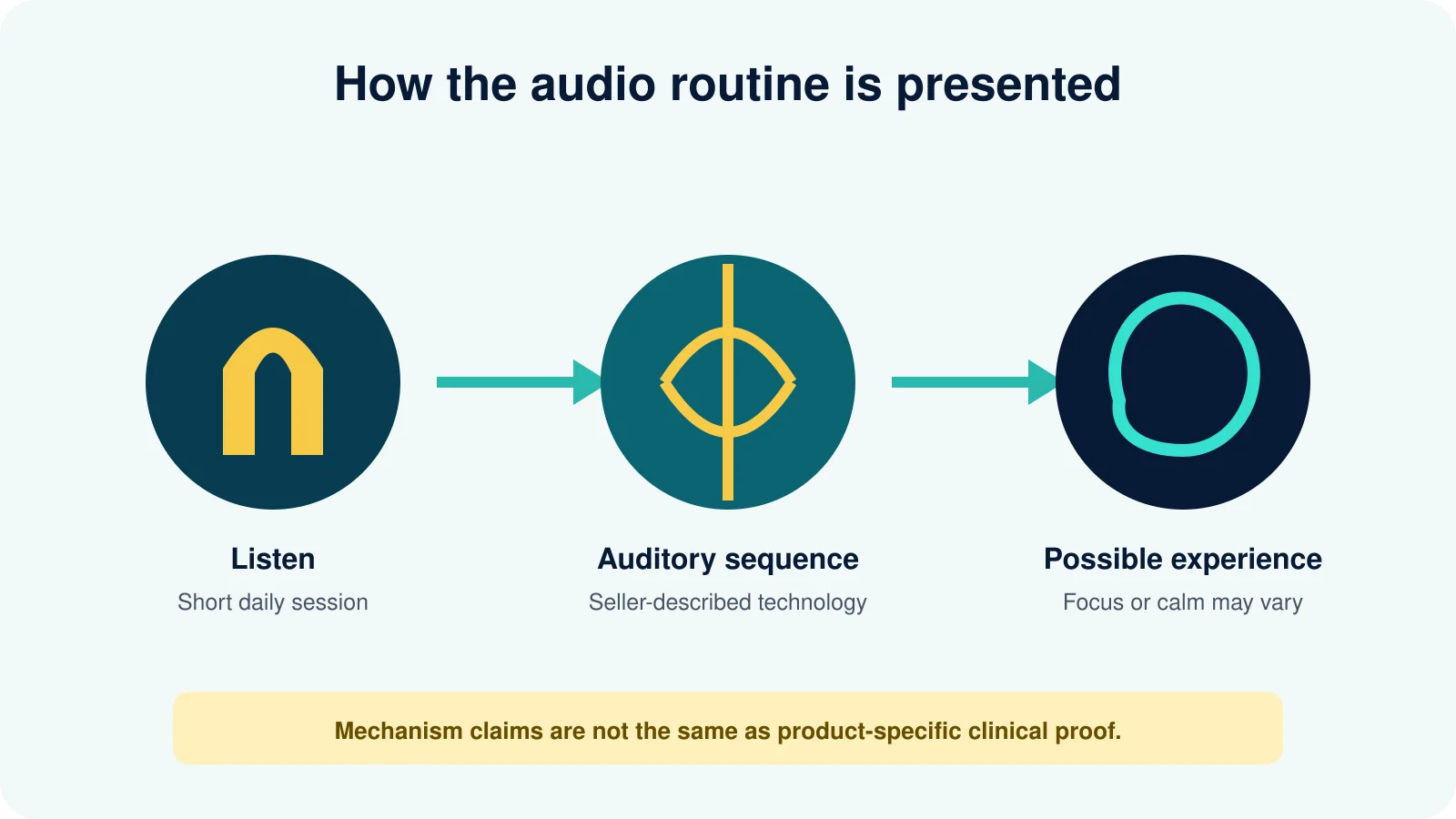
How to Use Genius Switch: Quick-Start Routine
- Confirm you have the genuine audio and current usage instructions.
- Choose a time when you will not drive or supervise a hazardous task.
- Silence notifications and prepare one specific task for afterward.
- Set device volume low before wearing headphones.
- Play the recording exactly as directed without stacking extra sessions.
- Afterward, record a simple outcome such as task starts, errors or distractions.
- Stop future use if an unwanted reaction repeats.
This is a general educational routine, not personalized medical advice. Read our complete The Genius Switch Review for the broader product decision.
Prepare the Device, Room and Task
Use a charged device and a stable audio player so the session is not interrupted. Download the file through the access method supplied after purchase rather than using an unknown copy. Confirm that left and right headphone channels work if the instructions call for stereo playback.
A quiet, seated place with no traffic, machinery, cooking hazard or urgent responsibility.
Enough battery, notifications silenced, correct file and no aggressive equalizer or volume boost.
One defined activity such as a reading block, planning session or focused work interval.
Do not use the audio while driving, cycling in traffic, swimming, operating machinery or performing work that requires full environmental awareness. Noise-cancelling headphones can make external warnings harder to hear.
Should You Use Headphones—and What Volume Is Appropriate?
Conventional binaural beats require separate tones at each ear, so stereo headphones are normally necessary. However, the complete Genius Switch waveform and delivery method have not been independently published. Follow the instructions included with the current product rather than assuming every online description is accurate.
- Begin below your normal music level.
- Increase only enough to hear comfortably.
- Disable volume boosters and extreme equalizer settings.
- Use headphones that fit without painful pressure.
- Never turn the audio up because you “feel nothing.”
- Take breaks instead of replaying sessions continuously.
Best Time to Use Genius Switch
There is no product-specific clinical evidence establishing one universally best time. Choose a consistent period that matches your goal and does not conflict with safety or sleep. If the audio feels relaxing, using it immediately before a demanding drive or safety-critical activity would be inappropriate.
| Goal | Possible timing | What to keep consistent |
|---|---|---|
| Start focused work | Before a defined work block | Task type, caffeine and environment |
| Reduce pre-task tension | During a quiet transition | Volume and session conditions |
| Personal evaluation | Same general time on comparable days | Sleep, stress and outcome measure |
| Evening use | Only if it does not disrupt sleep or responsibilities | Alertness and next-day effects |
Public promotional pages have given inconsistent descriptions of session duration. Do not invent a duration or copy an old affiliate claim. Use the instructions delivered with the purchased version.
Verify the audio files, instructions, final charge and refund terms before buying.
How to Track Whether the Routine Helps
Do not evaluate the product by asking only whether you feel “more intelligent.” Choose an outcome that can be recorded repeatedly. Examples include minutes before starting a task, number of avoidable phone checks, pages read with comprehension, completed work blocks or errors in a routine activity.
- Record several comparable baseline sessions without the audio.
- Choose one primary outcome and no more than one secondary outcome.
- Keep task, time, caffeine and environment reasonably similar.
- Record sleep, stress and interruptions because they can dominate results.
- Use the audio according to instructions for several comparable sessions.
- Compare the pattern, not the single best day.
This personal log cannot prove brainwave entrainment or clinical effectiveness. It can answer the practical question: does this routine produce a noticeable, repeatable benefit for your real task?
For the research distinction between mechanism and outcome, read Does Genius Switch Really Work?.
What If You Miss a Genius Switch Session?
Do not double the next session or raise volume to compensate. Resume the normal delivered routine when it is safe and convenient. This is wellness audio, not a prescription with a medically required dose.
A missed day can also help reveal whether perceived effects depend on expectation or routine. Note the day rather than changing several variables. Consistency can improve the quality of your personal comparison, but strict streaks and guilt are unnecessary.
If repeated use feels burdensome, distracting or unpleasant, stop. A product that requires constant pressure to maintain is unlikely to provide good practical value.
Alcohol, Caffeine, Medication and Sleep
A digital recording does not create a conventional ingredient interaction, but alcohol, sedatives, recreational drugs and sleep deprivation can impair judgment or increase drowsiness. Avoid combining the first session with substances that make reactions harder to interpret.
Unusual caffeine intake can change alertness, anxiety and headache. Keep it reasonably consistent during a personal test. Never change prescribed medication to evaluate an audio product. Ask a qualified clinician or pharmacist when a condition or medication affects hearing, balance, seizure risk, alertness or mood.
When to Stop Using Genius Switch
Stop immediately for ear pain, new ringing, headache, dizziness, nausea, panic, marked agitation, confusion, unusual sensory symptoms or any reaction that feels unsafe. Do not treat discomfort as proof that the audio is “working.”
Persistent tinnitus, sudden hearing reduction, a seizure, loss of consciousness, severe confusion, sudden weakness, trouble speaking or thoughts of self-harm need appropriate urgent professional help. Persistent memory or concentration problems deserve evaluation rather than continued self-treatment with audio.
People with seizures, significant tinnitus, vertigo, recent head injury, unstable psychiatric symptoms or other relevant conditions should obtain individualized advice before use.
How to Use Genius Switch FAQs
How long should a Genius Switch session last?
Follow the current delivered instructions because public descriptions conflict. Do not extend or repeat sessions to force a result.
Are headphones required?
They are normally required for conventional binaural beats, but follow the product’s current instructions because the exact method has not been independently documented.
What volume should I use?
Use the lowest clear, comfortable level. Louder playback does not establish a stronger benefit.
Can I use Genius Switch while working?
Only during a safe, non-hazardous task if the delivered instructions permit. Never use it while driving or when full environmental awareness is required.
What if I miss a day?
Resume the normal routine later. Do not double sessions or increase volume.
How will I know whether it works?
Track a predefined practical outcome across comparable sessions while noting sleep, stress, caffeine and interruptions.
Method and Usage Limits
We based this guide on available seller descriptions, auditory-safety principles and a conservative tracking framework. We did not inspect every delivered version, so current included instructions must take priority. We do not prescribe a personalized session length, frequency or medical use.
FitnessLifeMag Editorial Methodology · FitnessLifeMag Sources Policy · FitnessLifeMag Affiliate Disclosure
Final Genius Switch Usage Checklist
Use the genuine file, follow delivered instructions, choose a safe seated location, keep volume comfortable, avoid hazardous activities, track one realistic outcome and stop when symptoms occur. Do not chase dramatic sensations or treat the program as medical care.
If the routine produces no repeatable practical benefit, review the refund deadline instead of increasing exposure indefinitely.
Verify Current Price and Terms